
Digital systems guidance
The Clean Exit: A Digital Checklist for Employee Offboarding Una salida limpia: Lista de verificación digital para la desvinculación de empleados
Managing how an employee leaves your business is just as important as how they start. Here is how to handle the digital handoff. Gestionar cómo un empleado deja su empresa es tan importante como su inicio. A continuación, le explicamos cómo manejar el traspaso digital.
When a valued team member moves on to a new opportunity, the focus is usually on the farewell lunch or the immediate gap in the schedule. However, for small business owners, the most significant risk often lies in the "ghost access" left behind. These are the active logins, shared folders, and administrative permissions that remain attached to a former employee long after they’ve turned in their keys.
Managing digital offboarding isn't about a lack of trust; it’s about operational hygiene. Leaving these connections open creates clutter, complicates your software billing, and leaves your business data vulnerable to accidental changes or external compromises. A clean exit ensures that your business stays organized and that your remaining team has the access they need to keep moving forward.
The Risk of "Zombie" Accounts
In many small offices, software is added on the fly. An employee might sign up for a design tool using their personal email, or they might be the only one with the login to the company’s local Yelp or Google Business profile. When that person leaves, those accounts become "zombies"—they exist, but you no longer have the keys to manage them.
This "Lottery Ticket" risk is real. If your only person with access to the website hosting account leaves on bad terms or simply becomes unreachable, your business could face a major disruption. Identifying these single points of failure before the exit interview is a critical step in business continuity.
Building a Repeatable Process
The goal is to move away from memory-based offboarding. You shouldn't have to stay up at night wondering, "Did we remove them from the QuickBooks account?" Instead, rely on a simple, written playbook. By standardizing these steps, you turn a stressful event into a routine administrative task.
This process should also include a "digital handoff." Ensure that all files currently sitting on a staff member's local desktop or personal cloud folder are moved to a shared company drive. If it isn't in a shared space, consider it lost the moment that laptop is wiped for the next hire.
Weekly Action: The Offboarding Cleanup
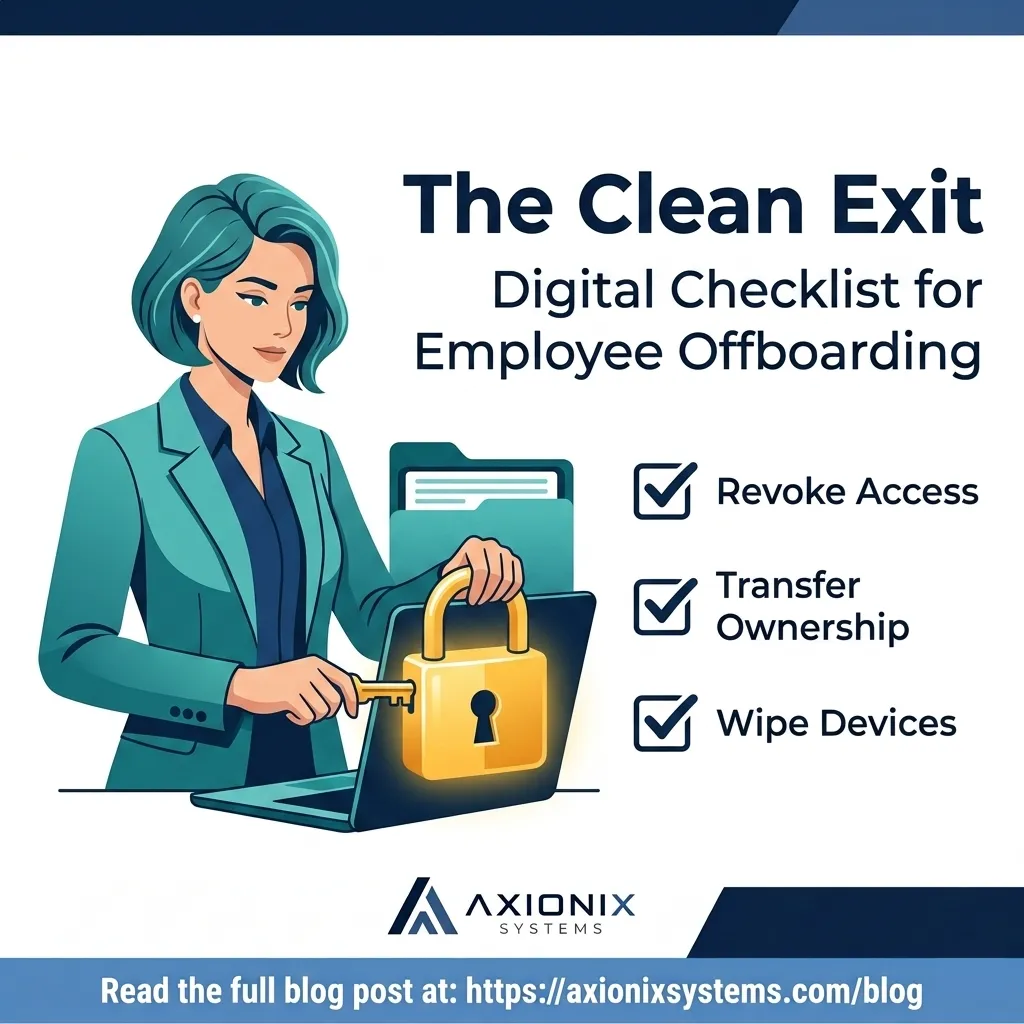
- Revoke Primary Access: Change the password or disable the account for their primary business email (Google Workspace/Microsoft 365).
- Audit Financial Tools: Remove the user from payroll systems, bank view-only access, and accounting software like QuickBooks or Xero.
- Check Shared Passwords: If you use a password manager, remove the user from all shared vaults and rotate any high-value passwords they had access to.
- Transfer Ownership: Ensure any "Owner" roles on social media, Google Business, or domain registrars are transferred to the business owner.
- Physical Device Wipe: Collect all hardware and perform a factory reset only after verifying that all business-critical files have been backed up to the cloud.
Axionix Systems believes that simple systems are the strongest systems. By taking an hour this week to document which apps your team uses, you are protecting the future of your operations. It’s not about being technical; it’s about being prepared.
Axionix Systems can help. We help small businesses create custom onboarding and offboarding playbooks that make digital transitions seamless and secure. Contact us at axionixsystems.com.
Cuando un miembro valioso del equipo se marcha hacia una nueva oportunidad, la atención suele centrarse en el almuerzo de despedida o en el hueco inmediato en la agenda. Sin embargo, para los propietarios de pequeñas empresas, el riesgo más significativo suele residir en el "acceso fantasma" que queda atrás. Se trata de los inicios de sesión activos, las carpetas compartidas y los permisos administrativos que permanecen vinculados a un antiguo empleado mucho después de que haya entregado sus llaves.
Gestionar la desvinculación digital no es una cuestión de falta de confianza; es una cuestión de higiene operativa. Dejar estas conexiones abiertas genera desorden, complica la facturación de su software y deja los datos de su empresa vulnerables a cambios accidentales o riesgos externos. Una salida limpia garantiza que su negocio se mantenga organizado y que el resto del equipo tenga el acceso necesario para seguir adelante.
El riesgo de las cuentas "zombis"
En muchas oficinas pequeñas, el software se añade sobre la marcha. Un empleado puede registrarse en una herramienta de diseño con su correo personal, o puede ser el único con el acceso al perfil de Google Business de la empresa. Cuando esa persona se va, esas cuentas se convierten en "zombis": existen, pero usted ya no tiene las llaves para gestionarlas.
Este riesgo es real. Si la única persona con acceso a la cuenta de alojamiento del sitio web se marcha en malos términos o simplemente se vuelve localizable, su empresa podría enfrentarse a una interrupción importante. Identificar estos puntos únicos de fallo antes de la entrevista de salida es un paso crítico para la continuidad del negocio.
Construir un proceso repetible
El objetivo es alejarse de una desvinculación basada en la memoria. No debería tener que quedarse despierto por la noche preguntándose: "¿Lo quitamos de la cuenta de QuickBooks?". En su lugar, confíe en un manual de instrucciones sencillo y por escrito. Al estandarizar estos pasos, convierte un evento estresante en una tarea administrativa rutinaria.
Este proceso también debe incluir un "traspaso digital". Asegúrese de que todos los archivos que se encuentran actualmente en el escritorio local de un miembro del personal o en una carpeta de la nube personal se trasladen a una unidad compartida de la empresa. Si no está en un espacio compartido, considérelo perdido en el momento en que se limpie esa computadora para la próxima contratación.
Acción semanal: Limpieza de desvinculación
- Revocar el acceso principal: Cambie la contraseña o desactive la cuenta de su correo electrónico empresarial principal (Google Workspace/Microsoft 365).
- Auditar herramientas financieras: Elimine al usuario de los sistemas de nómina, del acceso de solo lectura al banco y del software de contabilidad como QuickBooks o Xero.
- Verificar contraseñas compartidas: Si utiliza un gestor de contraseñas, elimine al usuario de todas las bóvedas compartidas y cambie las contraseñas de alto valor a las que tenía acceso.
- Transferir la propiedad: Asegúrese de que cualquier rol de "Propietario" en redes sociales, Google Business o registradores de dominios se transfiera al dueño del negocio.
- Limpieza de dispositivos físicos: Recoja todo el hardware y realice un restablecimiento de fábrica solo después de verificar que todos los archivos críticos se han respaldado en la nube.
Axionix Systems cree que los sistemas simples son los sistemas más fuertes. Al dedicar una hora esta semana a documentar qué aplicaciones utiliza su equipo, está protegiendo el futuro de sus operaciones. No se trata de ser técnico; se trata de estar preparado.
Axionix Systems puede ayudar. Ayudamos a las pequeñas empresas a crear manuales personalizados de incorporación y desvinculación que hacen que las transiciones digitales sean fluidas y seguras. Contáctenos en axionixsystems.com.